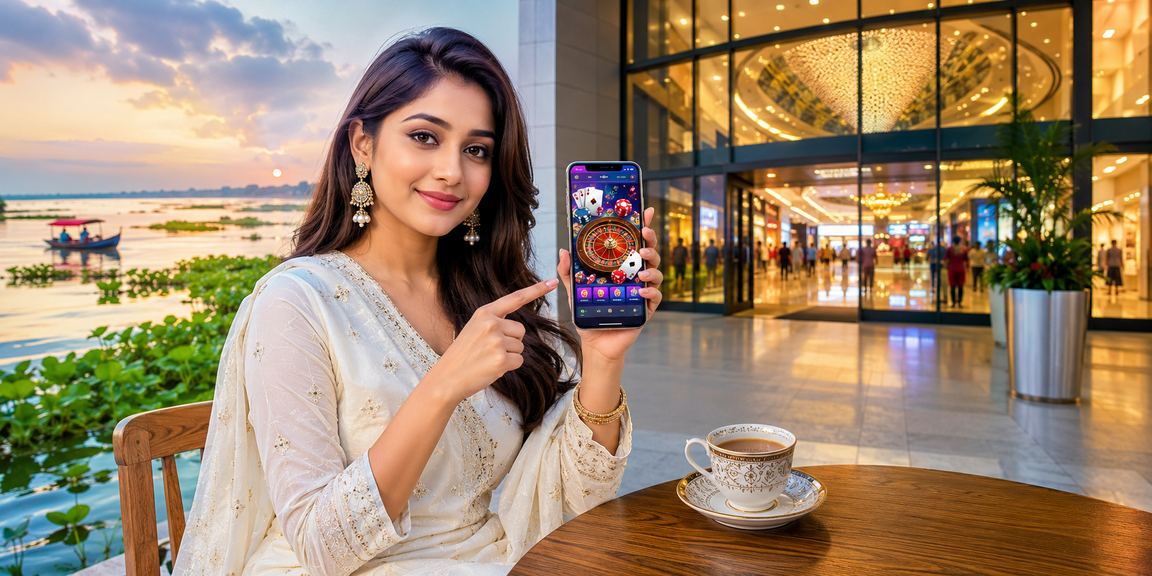
Play in the App, Not the Browser — Feel the Difference for Yourself
Bangladesh now has over 170 million mobile users, with most people accessing the internet through their smartphones. Bengol built the app with this reality in mind — it's not just a mobile version of the website, but a fully native app designed from the ground up.
Checking IPL scores and placing bets on the Bengol app while riding the train back from a factory in Gazipur — that's a perfectly ordinary scene now. The Bengol app runs smoothly even on a 3G network. There's no constant reloading like on a browser, and pages don't crash.
Once logged in, the bottom tab bar gives you direct access to four main sections: Sports, Live Casino, Promotions, and Account. Your bet slip is saved in the sidebar and won't disappear when you switch matches. You can also make bKash deposits without ever leaving the app.
Choose Your Device and Follow the Steps
The Bengol Android app is downloaded as an APK file. It isn't available on the Google Play Store — this is standard for betting apps. Before installing, you'll need to allow "Unknown sources" in your phone's settings. Step-by-step instructions are provided below.
On your phone, go to Settings → Security (or Privacy) → "Install unknown apps" or "Unknown sources" and enable it. You only need to do this for the Bengol APK.
Go to Bengol's registration page and click the APK download button directly. The download typically completes within 30 seconds.
Go to your Downloads folder and open the "bengol_v3.2.1.apk" file. Tap "Install" to complete the installation.
Once installation is done, tap "Open" to launch the Bengol app. Log in to your existing account or create a new one.
For bKash or Nagad payments on the Bengol app, there's no need to switch to a separate app. The in-app payment gateway handles everything — just enter the amount, confirm the OTP, and the funds are added to your balance. The whole process takes no more than 30–40 seconds.
Even if you're in an area near the Sundarbans or dealing with a weak signal, Bengol's payment gateway still works. The app caches some data in offline mode, so transactions go through as soon as your connection is restored.
App users receive one app-exclusive cashback offer every week — something you won't find on the website. The Bengol app team continuously rolls out new features; the latest update introduced a live streaming mini-player that you can watch alongside your bet slip.
Check If Your Phone Can Run the Bengol App
| Subject | Android | IOS |
|---|---|---|
| Minimum OS Version | Android 7.0 (Nougat) | IOS 13.0 |
| File Size | 48 MB | 52 MB |
| Minimum RAM | 2 GB | 1 GB |
| Latest Version | 3.2.1 | 3.2.1 |
| Biometric Support | Supported | Supported |
| Push Notifications | Supported | Supported |
| Offline Mode | Partial | Partial |
| Data Encryption | SSL 256-bit | SSL 256-bit |
Many users access Bengol directly through a browser. It works fine, but you do miss out on a number of advantages the app offers. Imagine sitting by the sea in Saint Martin, watching live cricket and placing bets — the last thing you want is a browser tab closing or a page reloading on you. The app eliminates that problem entirely.
The app's session timeout is much longer — once you log in, you stay logged in for days. On a browser, you typically have to log back in after a short while. Push notifications are exclusive to the app — match start alerts, odds change signals, and deposit bonus reminders come straight to your phone.
Real Experiences with the Bengol App
"I used to bet on the browser, but it would often fail to load. Since installing the Bengol app, placing bets on live matches has become so much easier. bKash payments go through right in the app — no need to switch to another app."
"The fingerprint login is my favourite feature. I can check scores lying in bed at night, and match notifications come in before the game even starts. Bengol app's dark mode is so easy on the eyes."
"The app is fast and smooth. It runs flawlessly on 4G. It can slow down a bit when the network is weak, but that's the network, not the app. The fact that your betting slip is saved is incredibly useful."
Common Issues & Quick Fixes
If you have an older version of the APK, uninstall it and download the latest one from Bengol's registration page. Go to Settings → Apps → Bengol and tap "Uninstall", then reinstall the app. Make sure your phone has at least 100 MB of free storage.
Samsung: Settings → Biometrics and Security → Install unknown apps. Xiaomi/Redmi: Settings → Privacy → Unknown sources. For other brands, look under Settings → Security. Once installation is complete, you can turn this setting back off if you prefer.
Check your Apple ID's country setting — the app may not appear in certain regions. Use the App Store link on Bengol's registration page, which will take you directly to the app.
Download on a stable network (Wi-Fi or 4G). Timeouts can occasionally occur on 3G. Restarting the download usually resumes from where it left off.
If none of the above solutions work, contact Bengol's Help Center Get in touch. Share your phone model and Android/iOS version for a faster resolution.
Frequently Asked by Users
Whether you're on Android or iOS, the Bengol app is built for you. Get up to 150% on your first deposit plus app-exclusive weekly offers.